



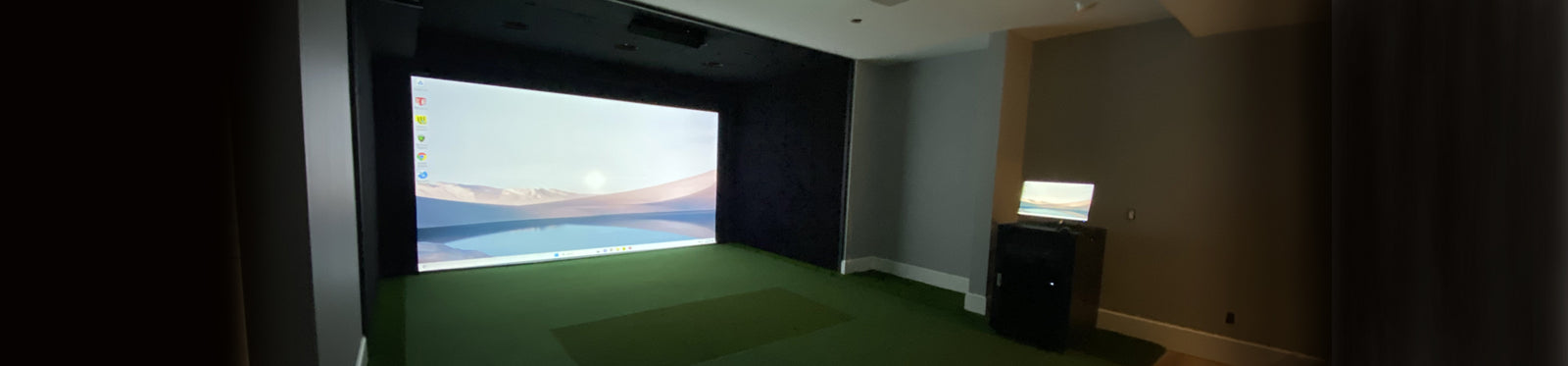
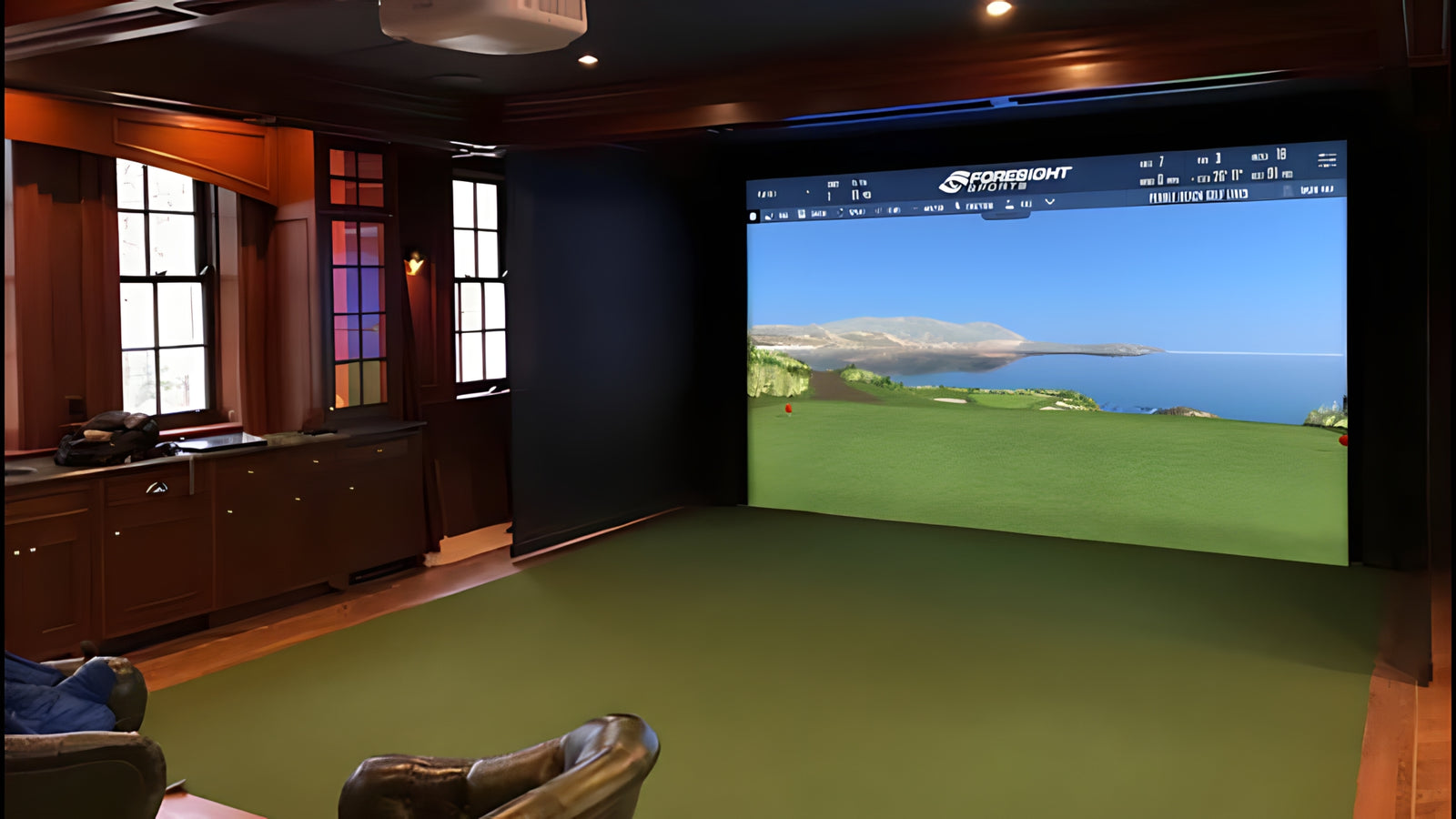
Home Golf Simulators
Home Golf Simulator Design and InstallationHome Golf Simulator Design & Installation Starts With Ace Indoor Golf
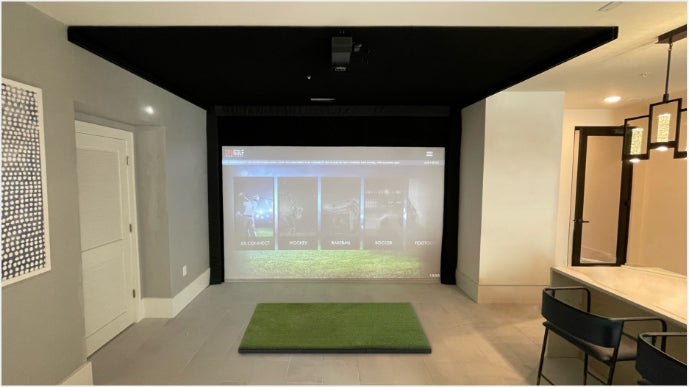
Ace Indoor Golf is your one-stop shop for all your home golf simulator needs. Serving customers throughout the United States, we offer custom-designed and installed golf simulators, along with DIY kits and complete golf simulator packages featuring the industry's leading launch monitor brands. From a simple garage or basement setup to a fully customized indoor golf room, our team has the experience and technology to help bring your vision to life.
We manufacture custom-built golf simulator screens, accessories, and enclosures in Ohio that are known for offering the highest quality craftsmanship and durability available, without question! Our passion is helping customers find the right setup for their home, garage, or dedicated indoor golf space, with equipment and technology tailored to their needs and budget.
Our team brings over 150 years of combined golf simulator design and installation experience, working with some of the biggest names in golf. From familiar brands like TrackMan, Foresight Sports, Uneekor, Full Swing, OptiShot, and aboutGolf to specialty manufacturers like Harrison Sports and Henry-Griffitts, our experience spans a wide range of golf technology and equipment. We've also worked with TaylorMade, Acushnet, Club Champion, Adams Golf, and Tour Edge, bringing valuable industry knowledge to every project.
Our expertise in golf simulator room design and home golf simulator installation allows us to provide brand-neutral guidance throughout the process. Whether you're planning a DIY project or a professionally installed system, we'll help you plan your room dimensions, select the right technology, optimize your space, and create an indoor golf experience tailored to your goals.
Shop Home Golf Simulators
Browse complete home simulator packages, launch monitors, DIY kits, and impact screens and enclosures, all available with expert design and installation.
 S
 S
 S
 S
Our Brands



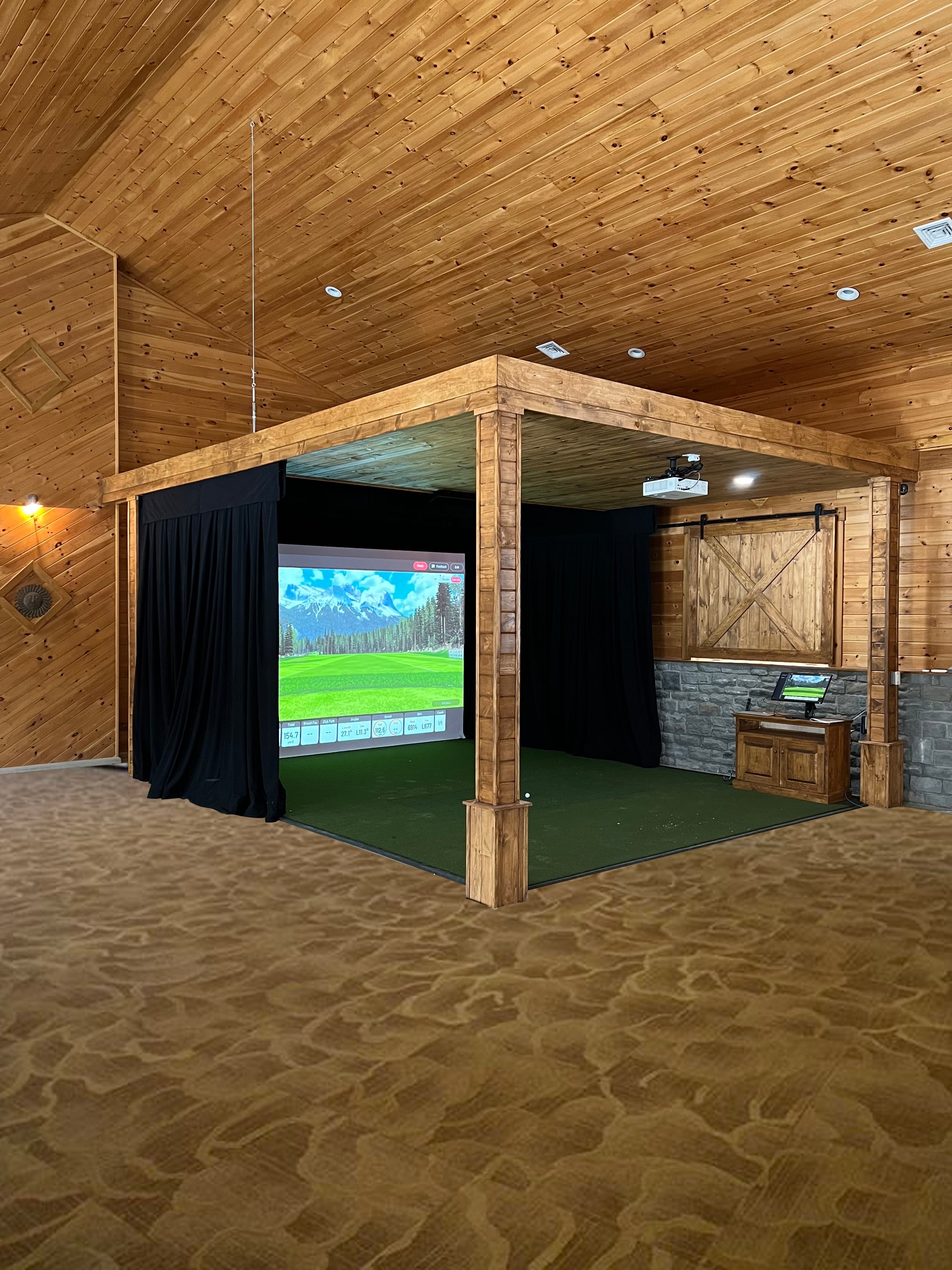
Custom Home Golf Simulator Process
Golf Simulator Sales
At Ace, we know the industry and our knowledgeable sales team can offer insight on all the golf simulator technologies in the market to ensure you get exactly what you want and need.
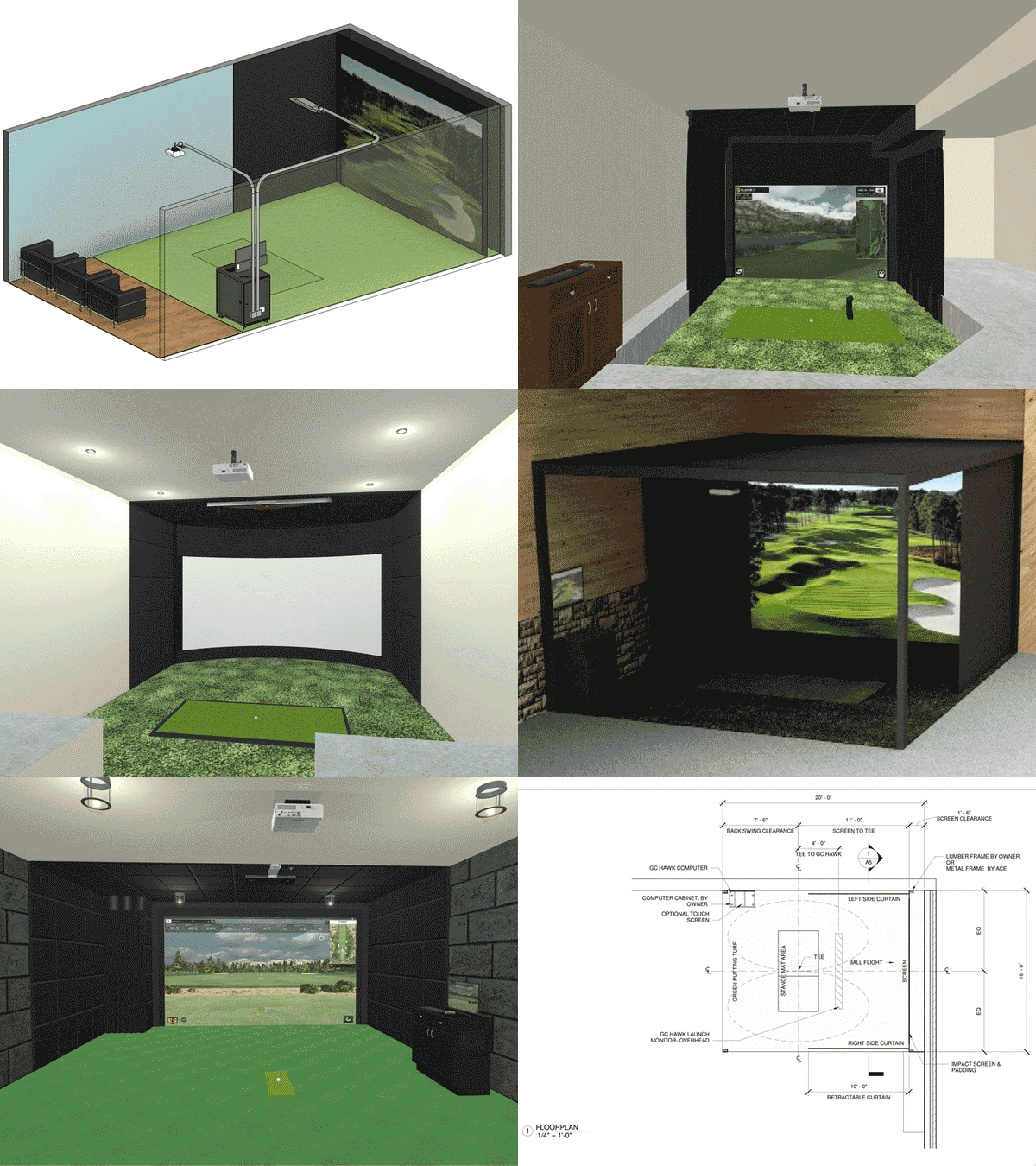
Golf Simulator Room Design
Our design team has expert knowledge of simulator technology, engineering, and installation. We will work with you and your contractors to produce room dimension verification, a highly customized design, CAD 3-D room renderings, blue prints, installation, and product support.
Golf Simulator Installation
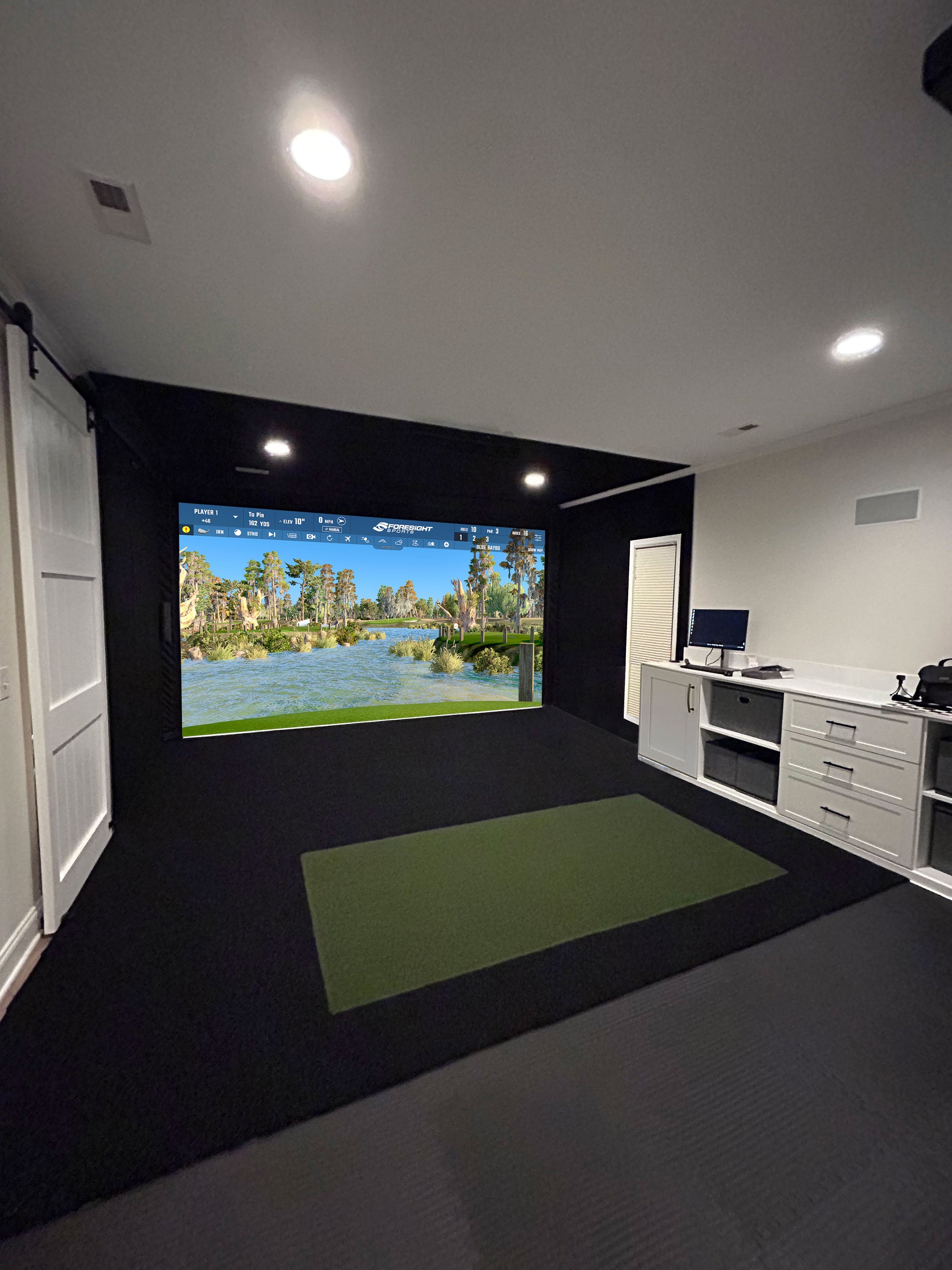
Our installation experience is unrivaled and by selecting a knowledgeable designer and installer you can avoid costly mistakes. Once your designs are approved we’ll install, calibrate, and train you on your simulator. We've designed and installed over 1,000 simulators and we're ready to help with yours.
Our Customers Love Us
“Ace Indoor Golf provided white-glove golf simulator sales, design, and installation. They took my dream and vision and turned it into a world-class golf simulator experience. I highly recommend using Ace!”
TERRY FRANCONA
Manager, Cleveland Guardians 2x World Series Champion
“When you’re looking to buy a golf simulator go with the guys who have experience working with all the best brands. Choose Ace! They have 20+ years of experience working across brand components to build simulator systems that work flawlessly. They take the headaches and troubles out of designing and installing a home golf simulator. Thank you Ace.”
JIM HANLIN
Co-Host Host 18-Holes 3-Time Emmy Winner
"Ace designed and installed a custom golf simulator that included a Foresight Falcon launch monitor. From purchase, project planning to installation the process could not have gone better; to include, I could not have gotten a better technician for the build out. Not only was John knowledgeable but personal and professional, as well. All, in sum, made for a pleasant experience and convinced me I couldn’t have picked a better organization to work with. My Compliments to the team and the company overall"
Scott Stevens
Inver Grove Heights, MN
Just a quick note to say how well the install went. Couldn’t have gotten a better technician for the build-out. Not only was John knowledgeable, but personal and professional, as well. All in all, it made for a pleasant experience and convinced me I couldn’t have picked a better organization to work with. Compliments to you, your team, and the company overall.
Scott Stevens
"I just wanted to take a quick moment and tell you how impressed I was with Jon and Dan who did my install last Friday. Both guys were very professional and did a great job, but what impressed me the most was that they were willing to stay until all the technical bugs got squared away. I had internet issues which caused a delay and then there was an issue downloading Foresight and installing it. The combination of these things (which are totally out of their control and area of expertise) added several hours into their day. Yet, they never complained and stayed and tried to help me as much as possible the entire time. Once everything got set up, they even stayed and let me hit a few balls to make sure it was all working correctly."
Ben Maibach
PresidentThe Wooster Brush Company
Home Simulator Accessories & Resources
Finish your setup with hitting mats and turf, simulator software, and accessories, plus our buying guide to help you plan your home simulator build.
 S
 S
 S
 S
Home Golf Simulator FAQ
Home Golf Simulator Cost & Packages
How much does a home golf simulator cost?
A home golf simulator can cost anywhere from about $5,000 for a DIY setup to $20,000 or more for a fully custom, professionally installed room. The total depends on your launch monitor, screen and enclosure, projector, software, and how much custom finishing the space needs. Entry-level launch monitors such as the Rapsodo MLM2PRO, FlightScope Mevo Gen2, and Foresight GC2 have made quality home simulators more affordable than ever, while premium systems from Foresight, Uneekor, and Trackman deliver tour-level data. Ace can help you build a setup that fits your budget without paying for features you won't use.
Is it better to buy a golf simulator package or piece one together myself?
For most homeowners on a budget, a package is the simpler and safer choice. Packages pair a launch monitor, impact screen, enclosure, hitting mat, projector, and software that are already known to work together, so you avoid compatibility problems and sizing mistakes. Building your own setup can make sense if you already own some of the equipment, are technology savvy, and have some home improvement skills. Ace offers complete home packages and can also help you fill in the missing pieces of an existing setup.
Can I get a quality home golf simulator for under $10,000?
Yes. Many complete home golf simulator setups come in under $10,000, especially when you pair an entry-level launch monitor with a budget-friendly enclosure and screen. Spending more typically buys more accurate and consistent data, a larger or curved screen, or a custom-built and designed enclosure. Ace can show you what each budget tier includes so you can decide where your money matters most.
Does Ace offer financing or discounts for home golf simulators?
Yes. Ace offers financing for residential buyers through several companies. You can finance online through Affirm for up to 36 months and up to $20,000. Our sales team can also arrange other financing options with larger amounts and longer terms for qualified buyers; contact Ace using the Request A Quote button. Ace also offers a Minimum Price Guarantee and a military and veterans discount, and our team can walk you through payment options during your design consultation.
Garage Golf Simulators
Can I put a golf simulator in my garage?
Yes. Garages are one of the most popular places for a home golf simulator because they usually offer the width, depth, and ceiling height a full swing needs. Retractable enclosures and screens let you swing when you want to and still park when you need to. If your garage door opener is in the way, a wall-mounted (jackshaft) opener on the side of the garage frees up the ceiling for your projector and launch monitor. Ace has designed and installed simulators in single, two-car, and three-car garages.
Can I still park in my garage with a golf simulator?
In many cases, yes. Retractable screens and space-saving enclosures roll up or fold away when you're not playing, and ground-based launch monitors can be moved out of the way. Ace can help you plan a layout that works around your vehicles, storage, and garage door clearance.
Do garage golf simulators work in cold or hot weather?
Garages can get very cold or hot depending on your climate, which affects both comfort and equipment. Extreme temperatures can affect electronics, projectors, and golf ball performance. Insulation, a portable heater or mini-split, and storing sensitive electronics indoors when they're not in use can all help. Ace can recommend equipment and setup options suited to your garage conditions.
Basement Golf Simulators
How much ceiling height do I need for a basement golf simulator?
Most golfers need a ceiling height of about 9 to 10 feet to swing a driver comfortably, although taller players may need more. Basements often have lower ceilings, ductwork, or beams, so measure the lowest point in your swing area. Many golfers can also swing irons comfortably in lower rooms. If you can comfortably swing a club in the space, you can put a golf simulator in it. Keep in mind everyone who will use the space: taller golfers and room for both left- and right-handed players require additional space.
Can Ace work around support posts, ductwork, and low beams in a basement?
Yes. Basements often include structural posts, soffits, HVAC runs, or uneven ceilings, and our team designs around them every week. We plan the hitting position, screen placement, and projector mounting to fit your available space while maintaining safe clearance. Some obstacles can be padded or hidden as part of a custom enclosure. In rare cases, homeowners lower their basement floor to gain the height they need, but it is a significant expense.
Can I add a golf simulator to a finished basement?
Absolutely. A golf simulator can become the centerpiece of a finished basement and fit alongside seating, a bar, or a home theater. Ace can plan lighting, audio, flooring, and projector placement so the simulator looks like part of the room rather than an add-on.
Family Rooms, Bonus Rooms & Home Entertainment Spaces
How much space do I need for a home golf simulator?
A comfortable home golf simulator typically needs a room about 15 feet wide, 20 feet deep, and 10 feet tall, although smaller rooms can still work. Ace has completed installations in rooms as compact as 12 feet wide by 17 feet deep. Width allows you to swing safely and gives left- and right-handed players room, while depth allows space for the ball flight, the screen, and the launch monitor. Our team can measure your space and tell you exactly what will fit.
Can a golf simulator double as a home theater or game room?
Yes. Many golf simulator projectors and screens can also be used to watch movies, play video games, or stream sports. Multisport software adds games such as baseball, soccer, basketball, football, hockey, sport shooting, and arcade games for family members who don't golf. Ace can design a space that works as a golf simulator, home theater, and entertainment room in one.
Can Ace design a custom golf simulator room for my home?
Absolutely. Ace has designed and installed more than 1,000 golf simulators, including custom builds in family rooms, bonus rooms, basements, garages, and high-rise residences. Structural and electrical work needs to be completed by a contractor familiar with your local permitting and code requirements. Our team installs the custom-built enclosure, screens, and technology, and works with your contractors on the prep work needed for a clean, professional-looking space. You can see examples of our work in our Residential Gallery.
Choosing Home Simulator Equipment
What is the best launch monitor for a home golf simulator?
The best launch monitor for your home depends on your budget, room layout, and the data you want. Ground-based models like the Foresight GC2, TruGolf Launch Box, and Uneekor Eye Mini Lite are easy to set up and fit most budgets. Overhead models from Trackman, Uneekor, TruGolf, ProTee, and Foresight stay out of the way and support both left- and right-handed players. Ace can help you compare accuracy, club data, software compatibility, and space requirements to find the right fit.
What size golf simulator screen do I need for my room?
Your screen size depends on your room's width, depth, and height, and on the projector you choose. To fill the entire screen with the image, choose the correct aspect ratio to avoid white space or black bars at the top or bottom. Screen height is often limited by the width of your room. Ace's guide to measuring for the proper golf simulator screen size walks through the details. Ace manufactures impact screens and enclosures in standard and custom sizes, including our HiQ screens, and we can help you measure your room to choose the right fit.
What golf simulator software is best for home use?
Popular third-party course-play software includes GSPro, E6 Connect, and Awesome Golf. Manufacturers also offer their own software, such as Foresight Premier, Trackman Performance Studio, ProTee GolfCore, and Uneekor Refine and Gameday. Most launch monitor manufacturers allow third-party course-play software, but compatibility varies by launch monitor, so Ace can help you choose a combination that works together and fits how you plan to use your simulator.
Do I need a special projector for a home golf simulator?
No, but it needs the right features. Look for enough brightness (3,000 to 4,000 lumens, or about 5,000 if your room has natural light), an auto-alignment feature to fit the image to your screen (simulator software and screens are typically 16:10 or 4:3 rather than the 16:9 movie format), 3LCD technology if you plan to use swing cameras, the right throw ratio for your room's depth, and a mounting position that keeps it out of your swing path. Short-throw projectors are common in home setups because they mount closer to the screen, but they cost more. Ace can recommend a projector and mounting position based on your room dimensions and lighting.
Home Installation Process
Do I need professional installation for a home golf simulator?
Not always. Many home packages are designed for DIY assembly, and Ace provides setup guides to help. Professional installation is recommended for custom enclosures, ceiling-mounted launch monitors or projectors, wiring, finished-room builds, or if you're not comfortable with home improvement projects. Ace's installation teams design, install, calibrate, and show you how to use your system so it's ready to play on day one.
What happens during a home golf simulator consultation?
Ace starts by learning how you plan to use your simulator, who will be playing, and your budget. We then review your room's dimensions, ceiling height, swing clearance, lighting, and electrical access. From there, we recommend equipment and a layout and provide a quote for the design and installation.
How long does a home golf simulator installation take?
Most home golf simulator installations take 2 to 3 days once the equipment arrives, not including custom carpentry, drywall, or wiring. The design process typically takes two to four weeks, and during the busy season, scheduling can take three to nine weeks. Your exact timeline depends on equipment availability, the complexity of the design, and how ready your space is. Ace will give you a clear schedule before work begins.
Does Ace install home golf simulators outside of Ohio?
Yes. Ace is based in Toledo, Ohio, and installs home golf simulators across the continental United States. Our team can also support remote design consultations and DIY setups wherever you're located.
Custom Home Golf Simulator Design and Installation Progression Video.
View Our Gallery
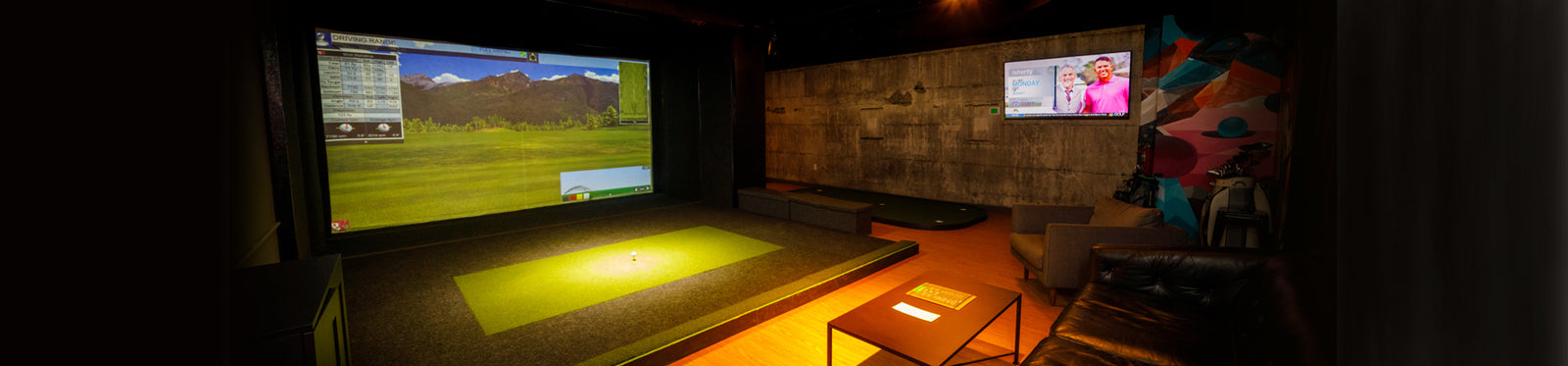
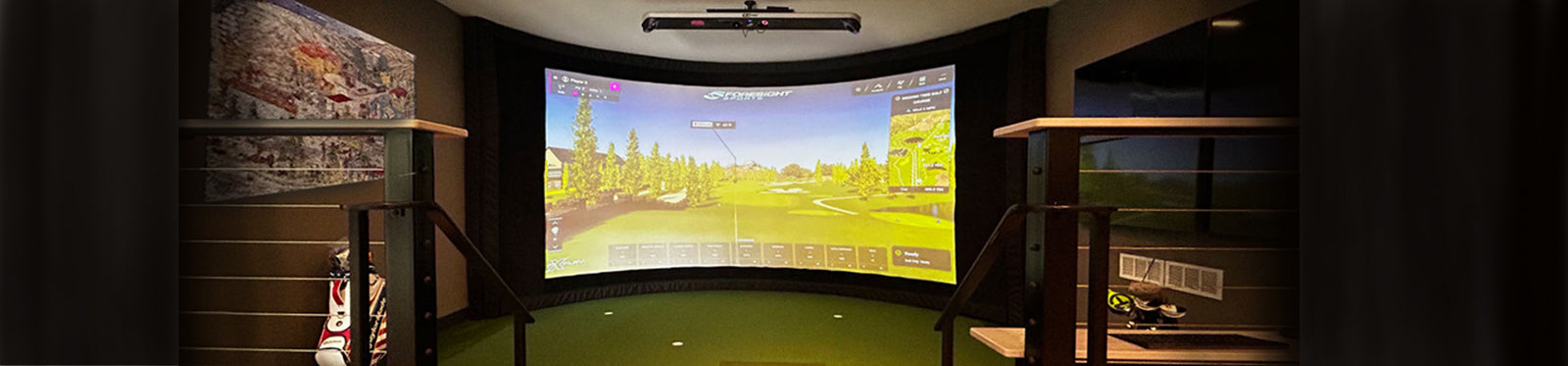
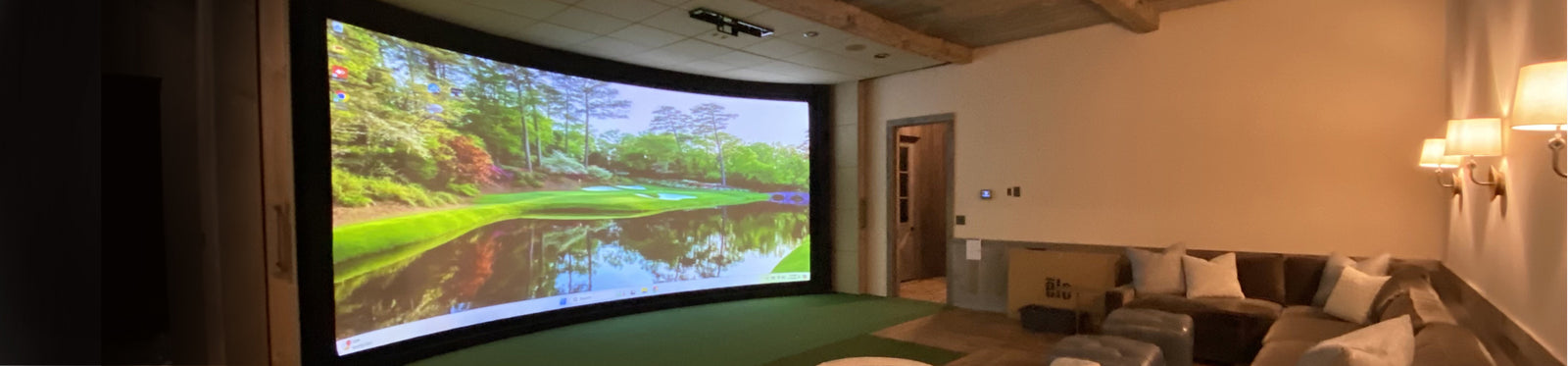
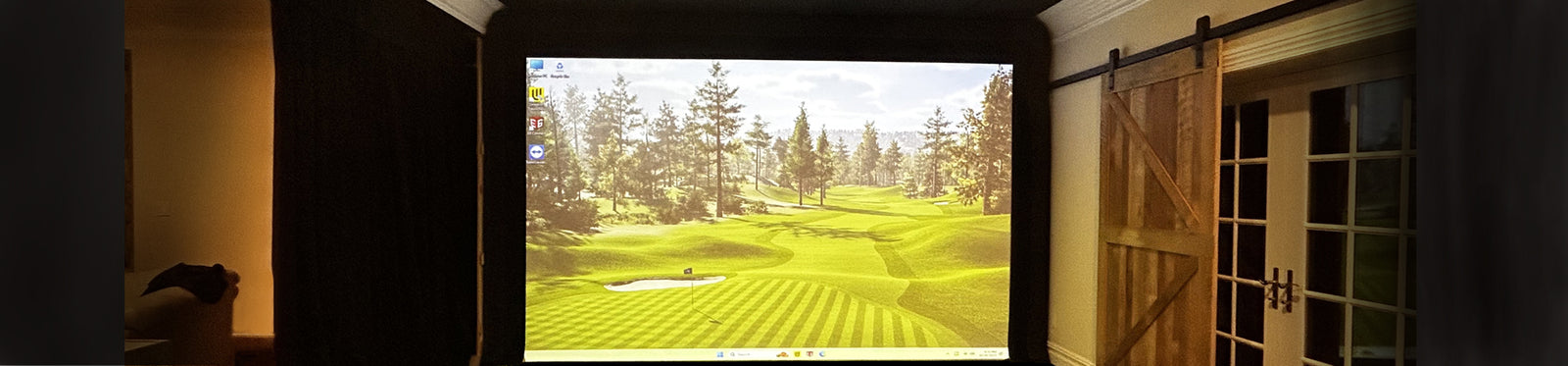
View Photos from our home golf simulator Installations and see why Ace is the #1 choice for indoor golf.
Blog posts

Foresight Sports Moves To Subscription Golf Simulation Plan with Premier!
Foresight Sports has changed its software, subscription, and pricing structure again — including the launch of an entirely new subscription only software platform Foresight Premier. Premier brings impressive upgrades for...

Best Home Golf Simulator Buying Guide 2026
Home golf simulators are becoming increasingly popular, as they offer a convenient and realistic way to practice and play golf year-round. This article discusses four considerations: launch monitor accuracy, features, price,...

ProTee VX Review: 10 Reasons Golfers Love This Overhead Launch Monitor
Thinking about buying a ProTee VX? Discover the 10 reasons why this overhead golf launch monitor has become one of the fastest-growing choices for home golf simulators. Learn about its...

10 Golf Simulator Sales That Put Money In Your Pocket
10 Golf Simulator Sales That Put Money In Your Pocket. By Jay Hubbard From cutting-edge launch monitors to golf simulator screens, here are 10 standout golf simulator gift ideas from...


- Choosing a selection results in a full page refresh.
- Opens in a new window.